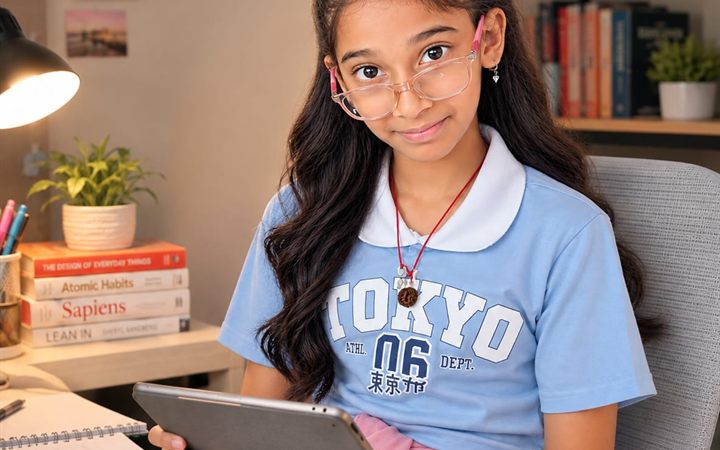
BrainWave wraps points, stars and streaks around the books your child already reads — story books and school work both count. You write the lessons, set the tasks and decide what every reward costs.
Every reading app decides what your child reads. BrainWave doesn't.
Paste a chapter, import a markdown file, or draft one with AI. Fiction they love and the worksheet due Friday feed the same reward system.
Points, stars and streaks — earned by finishing a short comprehension quiz, not by tapping through screens. You decide what each quiz is worth and what those points buy.
You get an account. Your child is a name you add — no email, no login, no birth date, no photo. No ads and no analytics on anything they see.
A browser, a Google account, and about five minutes to set up.
Open the parent portal, sign in with Google, and name your household. Add your children, and invite the other parent with a link — you both get the same view.
Paste a chapter, import a markdown file, or chat with AI using your own free key to draft a lesson. Nothing is published until you say so — you review every word.
AI drafts multiple-choice questions from the lesson text, pitched at the age you set and spread across the whole piece rather than one paragraph of it. Keep the ones you like, edit any of them, write your own, or ask for more.
Decide what earns points — reading, homework, practice — and what those points buy: screen time, a toy, whatever you agreed on. You set every number.
Lessons land on your child's device and keep working with no signal. A finished quiz is marked and paid straight away; a chore that needs your eyes waits in your review queue until you approve it.
A quiz marks itself and pays out the moment it's finished, so a child isn't left waiting for a grown-up to find their phone. Everything else is yours: a chore comes to your review queue when you've set it to need your eyes, and no reward is ever spent until you approve it. AI can draft and suggest — it never decides, and it never pays.
Open the parent portalA privacy promise that hides its edges isn't one. Here are ours, in plain language.
The portal is open. Everything runs in your browser — there's nothing to install to start.
Use the Google account you want to manage your household with. The first parent to sign in creates the household; the second joins from an invite link you send them.
Run the parent side on your phone, or the same portal in any browser. Your child uses the BrainWave app on their own tablet, paired by scanning a QR code you show them — and a lesson keeps working once it has arrived, with no signal. Get it on Google Play.
The AI runs on a free key you create in a few minutes, and it's optional — you can write every lesson yourself. We don't charge to read with your own child.
The things worth knowing before you set it up.
Yes. There is no subscription and nothing to buy inside the app. The AI features are optional and run on your own API key from a provider you choose — Google Gemini, Groq, OpenRouter, Cerebras or Anthropic — most of which have a free tier. You can also write every lesson yourself and never add a key at all.
No. Only a parent signs in, with Google. Your child is a name you add inside your household: no email, no password, no birth date and no photograph. Their tablet joins by scanning a QR code you show it from your phone, which pairs the device without creating an account for them.
The lessons and quizzes you write, your children's display names, and their answers, scores and points — stored in plain text on our server, so we can read them. We show no advertising anywhere, run no analytics or tracking on any screen a child sees, and never sell or share anything. The privacy policy lists every field and why it exists.
It drafts lesson text and multiple-choice questions when you ask it to. It receives the lesson text and the instruction you typed, under your own provider account. It never receives your children's names, answers, scores or progress, and it never decides anything — every draft is shown to you and saved only if you accept it.
A lesson your child has already opened once keeps working with no signal — it is saved on the tablet and can be read anywhere. Finishing a quiz needs a connection, because the points are awarded by the server.
Roughly six to twelve. You set an age band per lesson, which is what the AI pitches its language to, and the child's side is designed for the younger end of that range — every icon carries a word rather than expecting a six-year-old to decode a glyph.
Yes. Invite the other parent with a link and you both see the same children, lessons, tasks and approvals. If one of you later closes their account, the household stays with the other.
In the parent app, go to More and then Delete account, and confirm by typing your own email address. It happens immediately, with no waiting period. If you no longer have the app installed, the account deletion page explains how to ask us by email.